Apple launched Digital ID for Apple Wallet in late 2025, letting U.S. passport holders create a verified digital identity stored on iPhone or Apple Watch for use at participating TSA checkpoints (initial rollout: 250+ U.S. airports). The system stores encrypted credentials on-device, requires biometric unlock, and limits what is shared to only the requested data. It’s convenient for domestic travel and select verification scenarios — but it’s not a replacement for a physical passport for international border crossings, and adoption, privacy questions, and backup/recovery remain practical concerns. Apple+2Soporte de Apple+2
What Apple announced
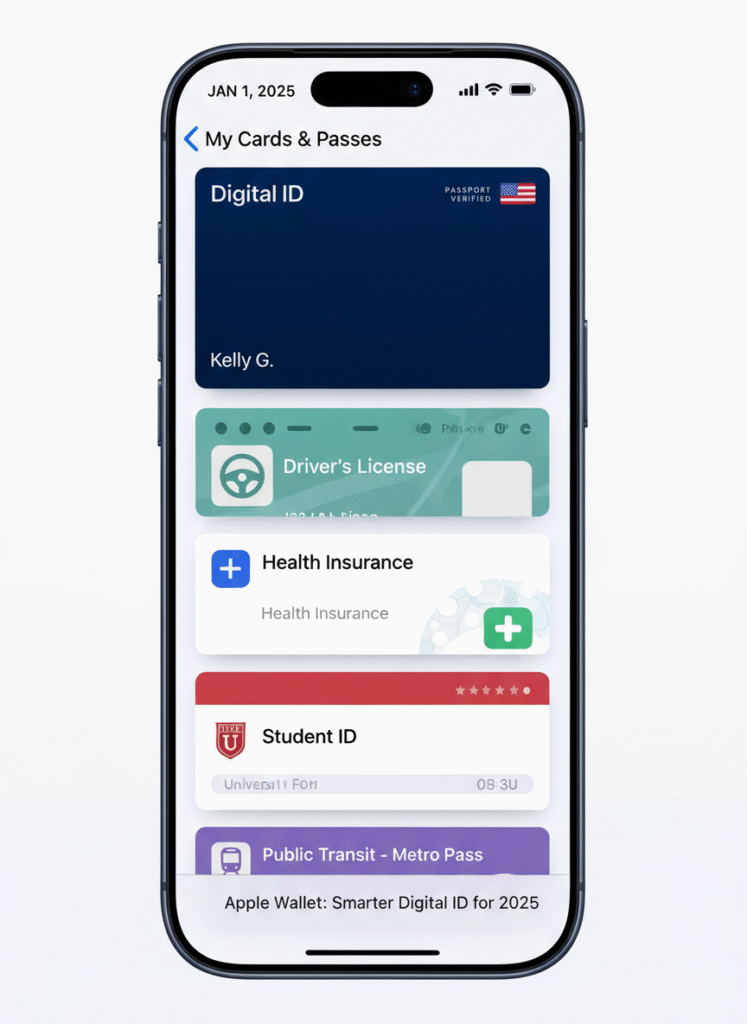
- Digital ID lets you create an ID in Apple Wallet using your U.S. passport. At launch, Apple says the feature pulls information from eligible passports and stores a verified ID in Wallet for use on iPhone and Apple Watch. Apple
- Initial acceptance is rolling out at 250+ TSA checkpoint locations across the U.S. Apple described the launch as beginning with TSA checkpoints at more than 250 airports, with additional use cases planned later. Apple+1
- It builds on the earlier ID-in-Wallet effort (driver’s licenses and state IDs) but expands to passport-based IDs. Apple previously supported state mobile IDs; Digital ID adds passport credentials as a new source. Apple+1
How Digital ID works — step by step (user perspective)
- Add digital passport to Wallet: You’ll use the Wallet app to begin verification (camera scan + identity verification flow) and confirm personal data pulled from your passport. Apple
- Verification & binding to device: The data is cryptographically bound to your device; the Secure Enclave is used to protect keys and biometric authentication (Face ID/Touch ID) gates presentation. Soporte de Apple+1
- Presenting the ID: When a checkpoint (e.g., TSA) requests ID, Wallet shows only the fields required (e.g., name, citizenship) and you must authorize sharing with biometrics. This is designed to minimize oversharing. Apple+1
- Local storage & privacy: Apple emphasizes that the Digital ID data is encrypted and stored locally, and Apple cannot see when or where you show the ID. Soporte de Apple
Where you can (and can’t) use it — practical rollout
- Available (initially): TSA checkpoints in the U.S. at 250+ airports (domestic travel ID checks). Apple+1
- Not available: It does not replace a physical passport for international border crossings or visa checks. Apple and reporting explicitly note that Digital ID is for specific verification scenarios, starting with TSA domestic checkpoints. Apple+1
- Future possibilities: Apple and partners have hinted about wider acceptance (stores, venues, online verification), but those require participation by governments, businesses, and identity-verification services. Expect incremental expansion rather than an overnight change. TechCrunch+1
Security & privacy — the technical assurances (and limits)
What Apple says:
- Data is encrypted and stored on-device, protected by the Secure Enclave. Biometric authentication (Face ID/Touch ID) is required to present the ID. Apple claims it cannot see when and where you use the ID. Soporte de Apple+1
Independent reporting / expert takeaways:
- Security experts generally praise device-based credential storage (reduces centralized attack risk) but flag practical challenges: backup/recovery (what if you lose the device), edge cases where biometric systems fail, and risk if a device is compromised before biometric control is enabled. Gadget Hacks+1
What to watch out for (user-level advice):
- Enable strong passcodes and use Apple’s suggested recovery/backup flows. Keep a physical ID available for fallback in case of device failure or international travel. Soporte de Apple
Real-world user flow (example)
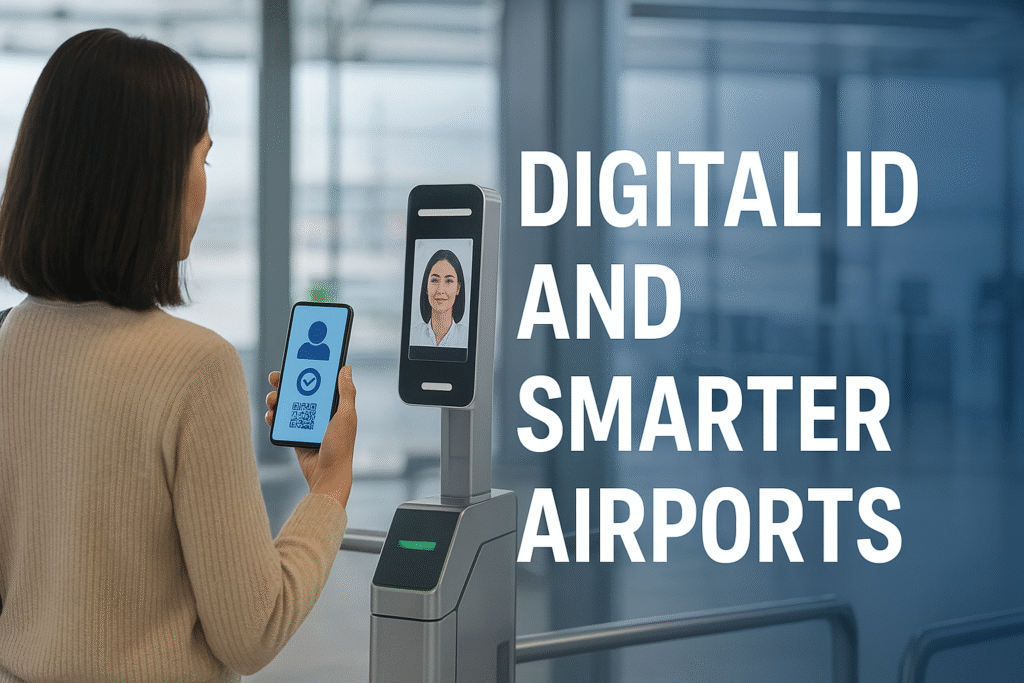
Imagine you’re at a U.S. domestic airport security line where Digital ID is accepted (one of the initial 250+ airports): you tap your iPhone to the checkpoint reader, confirm with Face ID, and Wallet shares only the requested fields (name, photo, passport-verified citizenship). The TSA agent sees a verified digital credential and can proceed with the screening process. For many travelers this saves fumbling for a physical passport or dealing with non-REAL ID state licenses. Apple+1
Adoption bottlenecks & practical constraints
- Infrastructure & acceptance: Airports and official checkpoints must enable and test readers and verification flows. Although TSA is onboard for the initial rollout, broader acceptance (stores, bars, banks) depends on third-party adoption and regulatory alignment. The Verge+1
- Jurisdictional complexity: States and countries have different rules on mobile IDs. Many U.S. states already offer mobile ID pilots, but not all jurisdictions or agencies accept them equally. The Verge+1
- User trust & education: Some users will distrust storing ID data digitally. Clear guidance from Apple and agencies will be necessary to build comfort. People.com
How this affects travel, commerce, and developers
- Travelers: Quicker domestic checkpoint flows, reduced need to carry physical ID for certain trips. Still carry a physical passport for international travel. Apple
- Retail & age-restricted services: Over time, mobile IDs can speed age checks and reduce fraud for online/offline identity verification — but merchant adoption will be gradual. Apple
- Developers & integrators: New APIs and verification standards may emerge for apps and terminals that want to accept selective attributes from Digital IDs — watch Apple developer docs and state mDL standards. Apple
FAQs (short)
Q: Can I use Digital ID for international flights or border crossing?
A: No — not for international border crossings. It’s for specific domestic verification scenarios at launch. Apple+1
Q: Will Apple track when I use my Digital ID?
A: Apple states it cannot see when or where you present your ID; the data is encrypted and access-controlled on-device. Soporte de Apple
Q: What if I lose my iPhone?
A: Standard device-loss protections apply (Find My, remote wipe). However, recovery of an on-device credential may require re-verification with the issuing source; follow Apple’s recovery guidance. Soporte de Apple
What to do right now (practical checklist)
- If you travel domestically and want to try Digital ID: check Apple’s Wallet support docs and TSA participating locations list to confirm airport eligibility. Soporte de Apple+1
- Keep your physical passport until you’re certain of acceptance and for international trips. Apple
- Use a strong passcode and enable biometric unlock. Understand Apple’s backup/recovery options. Soporte de Apple
Looking ahead — 2026 and beyond
Expect incremental expansion: more airports, potential state and international partnerships, and third-party apps/merchants supporting selective attribute verification. Regulatory, interoperability, and user-trust hurdles will shape the pace. Apple’s device-centric model is likely to influence how other platform providers approach digital identity. TechCrunch+1