The digital creator economy has exploded over the past decade, and in 2025, it’s stronger than ever. Whether you’re a YouTuber, podcaster, designer, photographer, or content marketer, your success depends on more than just creativity — it also depends on your toolkit.
Having the right software tools can streamline your workflow, boost productivity, and help you produce professional-quality content faster. But with so many options out there, it can be overwhelming to figure out what’s actually essential.
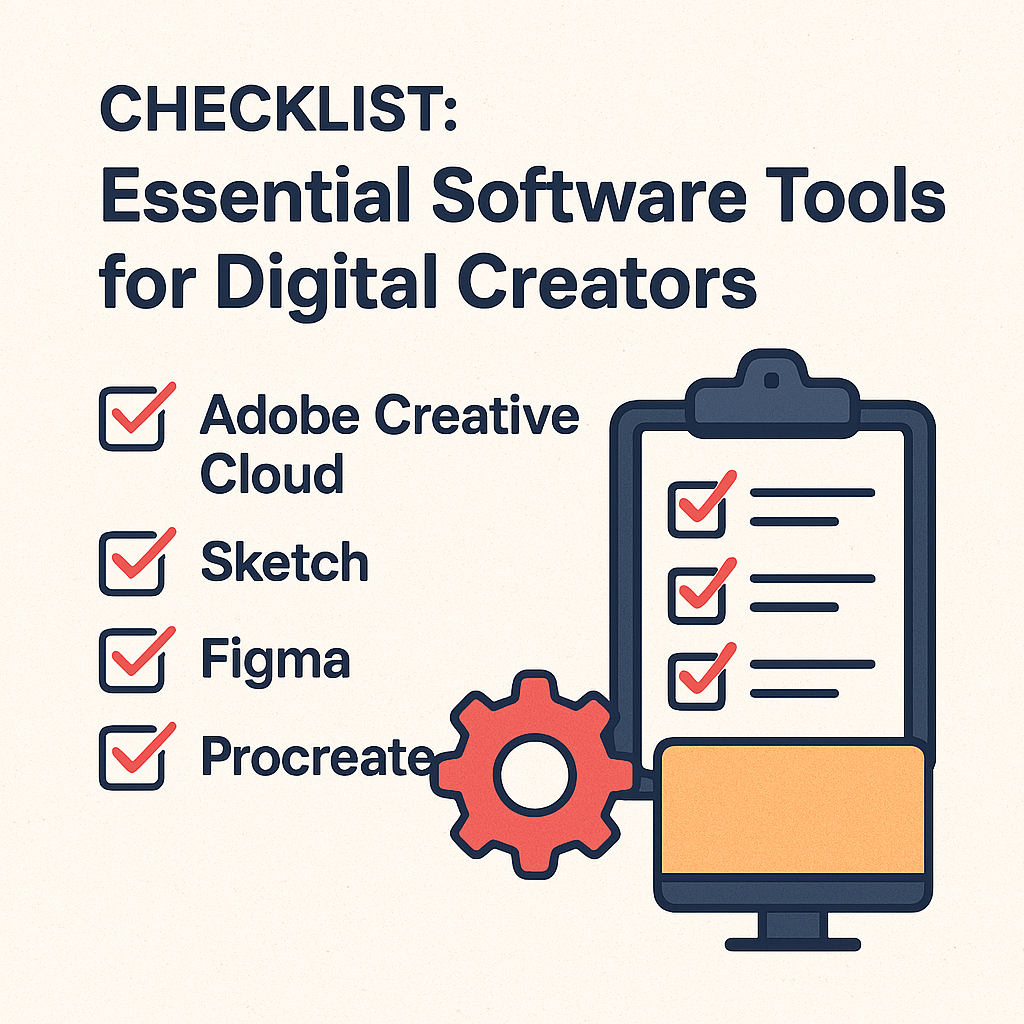
This guide breaks down a comprehensive checklist of software tools every digital creator needs — from design and video editing to writing, planning, and monetization.
1. Graphic Design Tools: Create Stunning Visuals
Visual content is the backbone of digital creation. Even if you’re not a professional designer, having access to intuitive and powerful design software can elevate your brand.
1.1 Canva
- Best for: Quick, professional designs for social media, presentations, and marketing materials.
- Why you need it: Canva has become the go-to platform for creators thanks to its ease of use, massive template library, and AI features like Magic Resize and background removal.
- Pro Tip: Use Canva Brand Kit to keep your fonts, logos, and color palette consistent across all your visuals.
1.2 Adobe Photoshop
- Best for: Advanced image editing and compositing.
- Why you need it: While Canva is great for simplicity, Photoshop remains the industry standard for creators who need pixel-level control and professional-grade results.
- Pro Tip: Learn how to use Photoshop’s Generative Fill (AI-powered) for quick, realistic edits.
1.3 Figma
- Best for: Interface design, digital products, and collaborative projects.
- Why you need it: If your creative work involves UI/UX, app mockups, or digital product design, Figma offers seamless real-time collaboration and prototyping features.
- Bonus: The Figma Community is full of free design assets to kickstart any project.
2. Video Creation & Editing Tools
Whether you’re making YouTube videos, TikToks, or client reels, video content dominates online engagement. Investing in the right video tools can make your work faster, smoother, and more cinematic.
2.1 Adobe Premiere Pro
- Best for: Professional video editing.
- Why you need it: Premiere Pro integrates deeply with other Adobe tools and offers top-tier editing features. The recent addition of voice command editing and AI-driven auto-cut makes it even more powerful.
- Pro Tip: Use Adobe’s new AI audio cleanup to instantly enhance your sound quality.
2.2 DaVinci Resolve
- Best for: Color grading and all-in-one post-production.
- Why you need it: DaVinci Resolve offers professional-grade editing, color correction, visual effects, and audio post-production — all in one free version that rivals paid tools.
- Pro Tip: Learn Fusion (Resolve’s built-in VFX engine) for motion graphics and animations.
2.3 CapCut
- Best for: Short-form content for TikTok, Instagram Reels, and YouTube Shorts.
- Why you need it: CapCut combines simplicity with powerful editing capabilities. Its templates and automatic caption generation make mobile editing effortless.
- Bonus: The desktop version offers AI background removal and music syncing.
3. Writing & Content Creation Tools
Great visuals need equally strong words. Whether you’re writing scripts, blog posts, or captions, these tools help you express ideas clearly and effectively.
3.1 Notion
- Best for: Content planning, note-taking, and documentation.
- Why you need it: Notion is more than a note app — it’s a customizable workspace. You can manage scripts, content calendars, project notes, and brand guidelines all in one place.
- Pro Tip: Use Notion templates for “Content Production Pipeline” to streamline your workflow.
3.2 Grammarly
- Best for: Grammar checking and writing assistance.
- Why you need it: Grammarly ensures your writing is clear, polished, and engaging. The premium version suggests tone adjustments, rewrites, and clarity improvements — crucial for professional content.
- Bonus: The Chrome extension works across email, social media, and web apps.
3.3 Jasper AI
- Best for: AI-assisted writing and brainstorming.
- Why you need it: Jasper helps generate article drafts, headlines, and marketing copy. It’s especially useful when you need to overcome creative blocks or scale content production.
- Pro Tip: Combine Jasper’s templates with your SEO keyword strategy for fast, optimized blog drafts.
4. Audio & Podcast Tools
If you create podcasts, music, or any kind of audio content, sound quality can make or break your work. These tools ensure your voice (or music) stands out.
4.1 Audacity
- Best for: Free, open-source audio editing.
- Why you need it: It’s a lightweight and powerful tool for recording, cutting, and cleaning up audio files. Ideal for beginners and indie podcasters.
4.2 Adobe Audition
- Best for: Professional audio post-production.
- Why you need it: Audition integrates perfectly with Premiere Pro and provides detailed noise reduction, EQ, and multitrack editing features.
- Pro Tip: Use its auto-ducking feature to balance dialogue and background music automatically.
4.3 Descript
- Best for: AI-powered podcast editing and transcription.
- Why you need it: Descript lets you edit audio by editing text — it automatically transcribes your recordings, and any changes you make in text reflect in the audio.
- Bonus: Features like Overdub let you clone your voice for easy corrections.
5. Project Management & Collaboration Tools
Managing multiple clients, deadlines, and creative assets can quickly become chaotic. Project management tools keep your creative process organized.
5.1 Trello
- Best for: Simple visual project tracking.
- Why you need it: Trello’s Kanban boards make it easy to organize tasks, track progress, and collaborate with team members.
- Pro Tip: Use automation (Butler) to streamline recurring workflows.
5.2 ClickUp
- Best for: All-in-one project management.
- Why you need it: ClickUp combines docs, tasks, goals, and reporting in a single workspace. Perfect for creators who juggle multiple content channels or clients.
- Bonus: You can embed Google Docs, design links, and dashboards for quick reference.
5.3 Slack
- Best for: Team communication and collaboration.
- Why you need it: Slack centralizes team chats, file sharing, and integrations. It reduces email clutter and keeps discussions organized by topic.
- Pro Tip: Connect Slack with Notion or ClickUp for seamless updates.
6. Productivity & Time Management Tools
Creative freedom is amazing, but it often leads to procrastination. These tools help digital creators stay focused and productive.
6.1 Todoist
- Best for: Task tracking and habit building.
- Why you need it: Todoist turns your goals into actionable daily tasks. You can assign priorities, due dates, and reminders for every creative milestone.
6.2 Clockify
- Best for: Time tracking and project billing.
- Why you need it: If you work with clients or freelancers, Clockify helps monitor how much time is spent on each project — ideal for productivity analysis and invoices.
6.3 Forest
- Best for: Focus and mindfulness.
- Why you need it: This unique app helps you stay off your phone by “planting trees” during focus sessions — a creative way to build discipline.
7. Cloud Storage & File Management
Losing a project file can be devastating. Always back up your creative assets using reliable cloud storage tools.
7.1 Google Drive
- Best for: Document sharing and collaboration.
- Why you need it: Google Drive remains the most universal and integrated storage option, especially when collaborating across teams or with clients.
7.2 Dropbox
- Best for: File version control and creative asset management.
- Why you need it: Dropbox’s smart sync and backup features keep your large files accessible and safe. The Dropbox Replay feature allows clients to review videos directly online.
7.3 pCloud
- Best for: Affordable lifetime cloud storage.
- Why you need it: pCloud offers a one-time payment plan, which is rare among cloud providers. It also provides media streaming and automatic backups for creators.
8. AI Tools for 2025 Creators
Artificial intelligence is redefining how digital creators work. From image generation to workflow automation, these AI tools can multiply your productivity.
8.1 ChatGPT (GPT-5)
- Best for: Research, ideation, and script writing.
- Why you need it: ChatGPT can draft outlines, brainstorm topics, and even help you plan entire content series. Used strategically, it’s like having an intelligent creative assistant.
8.2 Midjourney / DALL·E 3
- Best for: AI-generated images and concept art.
- Why you need it: These tools let you create custom visuals for branding, thumbnails, and illustrations without hiring a full-time artist.
8.3 Runway ML
- Best for: AI video generation and editing.
- Why you need it: Runway allows you to create videos from text prompts and apply complex edits automatically — a game-changer for solo creators.
9. Monetization & Analytics Tools
Once you’re producing great content, it’s time to make it profitable. These platforms help you track performance and manage income.
9.1 Patreon
- Best for: Membership-based income.
- Why you need it: Patreon allows creators to build communities and earn consistent monthly revenue from fans.
9.2 Ko-fi
- Best for: One-time donations and digital store sales.
- Why you need it: Ko-fi combines tips, subscriptions, and digital downloads in one place — no middleman required.
9.3 Google Analytics 4
- Best for: Audience insights.
- Why you need it: GA4 helps you understand your audience behavior across platforms, enabling smarter content and ad decisions.
10. Bonus: Integrations That Save Time
Modern creators rely on automation to handle repetitive tasks. Here are a few integrations worth trying:
- Zapier: Connects apps like Gmail, Notion, and Slack for automated workflows.
- IFTTT: Simple “if-this-then-that” automation for social media or backups.
- Buffer: Automates multi-platform social media posting.
Final Thoughts
Digital creators thrive at the intersection of creativity and efficiency. Your imagination is your greatest asset — but having the right software toolkit empowers you to bring ideas to life faster, collaborate smarter, and stay organized.
As you grow your personal brand or creative business, periodically review your stack. Tools evolve quickly, and new AI-driven options appear every month. The goal isn’t to use every tool — it’s to choose the right ones that align with your creative goals and workflow.
In 2025, the creators who succeed won’t just be the most talented — they’ll be the most efficient, adaptive, and strategically equipped.