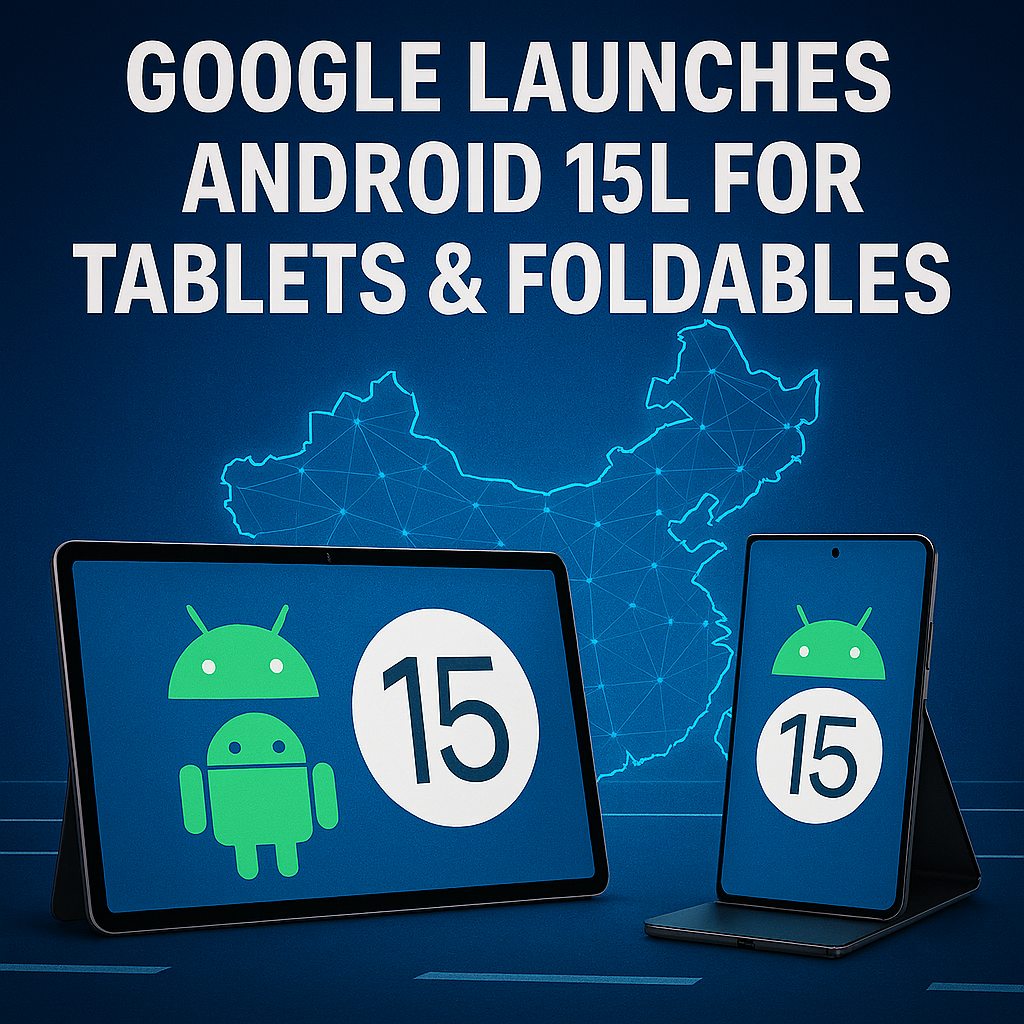
Google has officially unveiled Android 15L, a new iteration of its mobile operating system specifically designed to enhance the experience on tablets and foldable devices. This marks a major step in Google’s commitment to optimizing Android for larger screens, a market that has seen rapid growth in recent years due to the increasing popularity of foldables and productivity-focused tablets.
In this article, we’ll break down the new features, performance upgrades, and design refinements that Android 15L brings, as well as what this means for both users and developers.
Why Android 15L Matters for Larger Screens
Traditionally, Android updates have focused primarily on smartphones, with tablets and foldables often receiving delayed or less optimized improvements. This has sometimes left these devices with inconsistent app layouts, poor multitasking options, and limited productivity features compared to Apple’s iPadOS or Samsung’s foldable software.
Android 15L changes that by putting larger displays at the center of its design philosophy. The “L” in 15L stands for “Large”, highlighting the OS’s primary target audience.
Key Features of Android 15L
1. Refined User Interface for Big Screens
One of the biggest updates in Android 15L is a redesigned taskbar and navigation system that makes switching between apps on large displays faster and more intuitive.
- Persistent Taskbar: Users can now pin frequently used apps for quick access.
- Adaptive Layouts: System UI elements adapt dynamically to screen size and orientation.
- Split-Screen Enhancements: Drag-and-drop multitasking has been improved, making it easier to run two apps side-by-side without glitches.
2. Optimized App Compatibility
Google has addressed one of the most common complaints about Android tablets — poorly scaled apps. Android 15L introduces Automatic UI Scaling for apps that have not yet been optimized for larger screens.
- Letterboxing Reduction: Apps now intelligently resize to fill the screen.
- Developer Tools Update: New APIs and testing tools allow developers to fine-tune their apps for foldables and tablets more easily.
3. Better Multitasking Experience
Multitasking is a key reason people choose larger devices. Android 15L offers:
- Multi-Window Persistence: Apps stay in split view even after rebooting.
- Drag-and-Drop Across Apps: Improved clipboard support for text, images, and files.
- Resizable Windows: Users can now adjust app windows to custom sizes instead of fixed ratios.
4. Enhanced Foldable Features
For foldable phone owners, Android 15L delivers seamless continuity between folded and unfolded states.
- Instant Layout Transition: Apps rearrange instantly without refreshing when the device is opened or closed.
- Fold-Specific UI: Certain apps can now offer entirely different interfaces depending on the hinge position.
- Dual-Display Optimization: Perfect for devices like the Surface Duo, enabling two separate apps on each screen.
5. Performance & Battery Improvements
Google has fine-tuned Android 15L to reduce background resource consumption, extending battery life for power-hungry big screens.
- Adaptive Battery 3.0: Uses AI to predict app usage and limit background tasks accordingly.
- Optimized Rendering Pipeline: Improves frame rates for large, high-refresh displays.
What This Means for Developers
Android 15L’s release is not just a user-facing update — it’s also a big call to action for app developers.
- New Design Guidelines: Google is pushing developers to embrace responsive layouts.
- Jetpack Compose Updates: Enhanced support for foldable and tablet UI components.
- Play Store Optimization: Apps optimized for Android 15L will be highlighted in search results for tablets and foldables.
How to Get Android 15L
Google has confirmed that Android 15L will roll out in Q4 2025 to supported Pixel tablets and foldables first, followed by other manufacturers like Samsung, Lenovo, and OnePlus in early 2026.
Eligible devices for the early update include:
- Pixel Tablet 2nd Gen
- Pixel Fold 2
- Samsung Galaxy Z Fold and Tab series (via One UI update)
- Lenovo Tab Extreme
Developers can already access Android 15L Beta via the Android Studio emulator or by sideloading the beta on compatible devices.
The Bigger Picture: Google vs. Apple and Samsung
With the launch of Android 15L, Google is clearly aiming to close the gap with Apple’s iPadOS, which has long been the benchmark for tablet productivity. At the same time, the update gives Google’s partners like Samsung more room to refine their own custom interfaces without having to compensate for core Android shortcomings.
Foldable devices are also becoming a critical battleground, with projections showing over 30 million foldables shipped globally by 2027. Android 15L positions Google as a key player in defining the foldable user experience before the market reaches mainstream adoption.
Final Thoughts
Android 15L is more than just an incremental update — it’s a strategic move to bring large-screen Android experiences to the next level. Whether you’re a tablet user who wants smoother multitasking or a foldable owner looking for seamless transitions, this update delivers meaningful improvements across the board.
By addressing long-standing UI and compatibility issues, Google is signaling that tablets and foldables are not side projects anymore — they’re central to Android’s future.