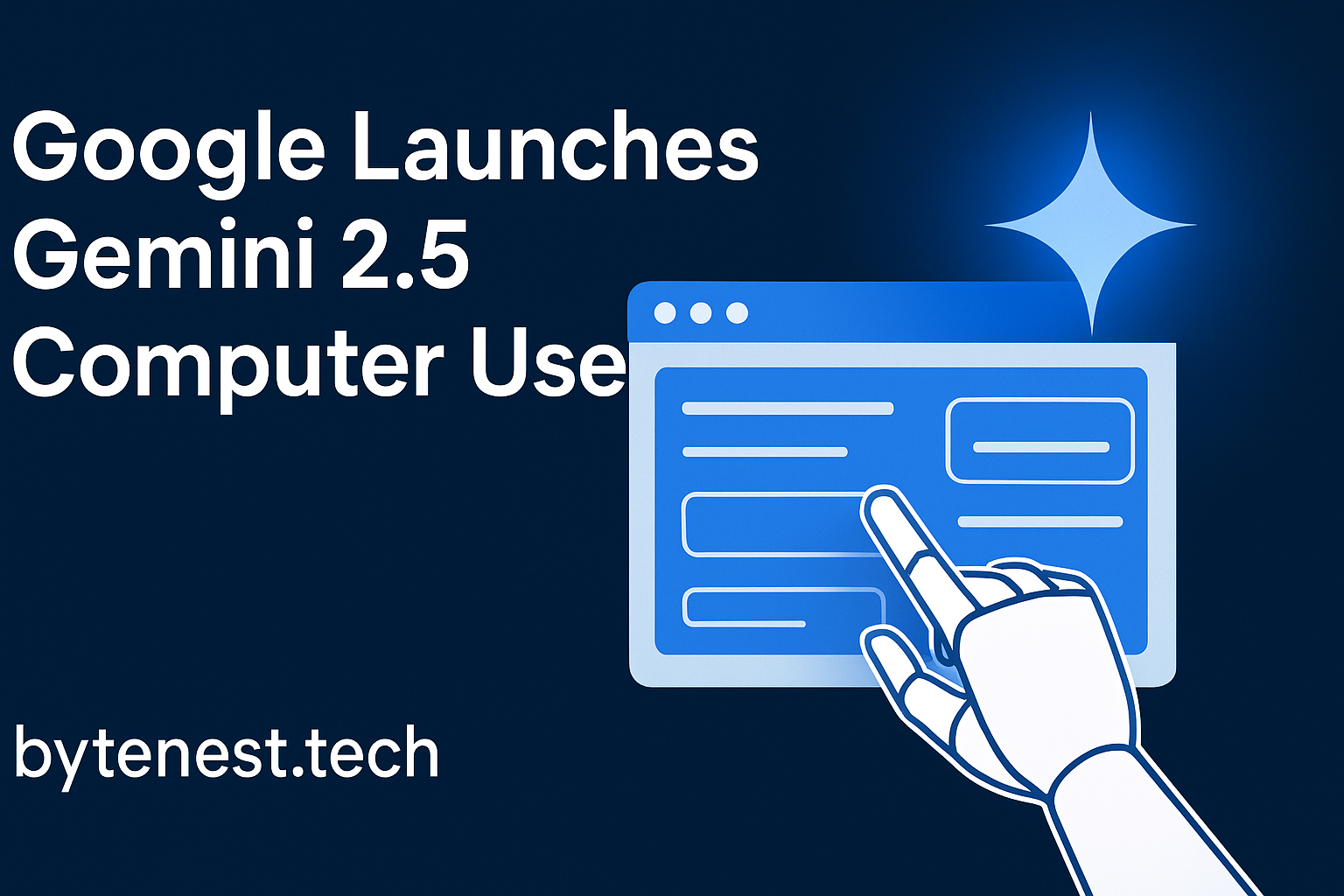
In the fast-evolving world of artificial intelligence, Google has once again raised the bar. The company recently unveiled Gemini 2.5 Computer Use, a specialized AI model that can visually interact with web browsers—clicking, typing, filling forms, dragging elements, and navigating interfaces as a human would.
This leap isn’t just incremental. It signals a shift toward agentic AI: models that don’t just respond to queries but can act autonomously in software environments. In this article, we’ll explore how Gemini 2.5 Computer Use works, why it matters, what limitations to watch for, and how this might change the future of browser-based tasks and workflows.
What Is Gemini 2.5 Computer Use?
A Browser-Focused AI Agent
Gemini 2.5 Computer Use is a version of Google’s Gemini AI that’s tailored to operate within graphical user interfaces—especially browsers. Rather than relying on APIs, structured endpoints, or back-end integrations, this model sees screenshots of UIs, reasons about them visually, and issues UI-level actions (like clicks, keystrokes, and drag-drops) to navigate or manipulate the interface.
In short: it can see the screen, interpret what’s there, and use the screen. That’s a new level of agency in AI. It’s not yet full OS control—it doesn’t pilot your desktop—but for web environments, it’s very potent.
How It Works: Iterative Loop with Screenshots & Actions
The model operates in a loop:
- You (or a developer) issue a request (e.g. “book me a flight,” or “fill out this form”).
- The tool receives:
- The user’s request
- A screenshot of the current UI state
- A history of recent actions
- The user’s request
- The model reasons and generates a tool call, effectively declaring a UI action to take (e.g. “click button X at coordinates (x,y),” or “type this text into field Y”).
- The client-side application (or infrastructure) executes that action in the browser or UI.
- A new screenshot and updated URL (if applicable) are sent back to the model.
- The loop continues until the task is complete, an error occurs, or a safety/termination condition triggers.
Because it operates visually, Gemini 2.5 Computer Use can handle interfaces that lack APIs or structured integrations—legacy web apps, dynamic forms, and pages built primarily for humans.
Supported Actions & Limitations
Google has defined a set of base UI actions (around 13) — such as opening a browser, typing text, clicking elements, and dragging items.
However, it’s explicit that this model is not currently capable of full desktop-level control—so it can’t manage OS windows, launch arbitrary apps outside the browser, or access the file system directly.
Google terms it a “preview” or early-stage model in many contexts, meaning it may still be error-prone or require human oversight for sensitive tasks.
Why Gemini 2.5 Computer Use Matters
Empowering Real-World Web Tasks
Many tasks in business or user workflows depend on web UIs that don’t expose APIs—booking systems, content management dashboards, form-heavy legacy systems, custom CRMs, or internal web tools. An AI that can visually navigate these interfaces expands what automation can do.
Imagine:
- Auto-filling and submitting applications
- Interacting with web dashboards
- Extracting info from web-based tools
- Testing UIs (UX/UI test automation)
- Orchestrating multi-step web workflows
These are scenarios where Gemini 2.5 shows immediate utility.
A Competitive Edge in Agentic AI
Google is not the only player exploring agentic AI. OpenAI, Anthropic, and others have explored “computer use” style models. But Gemini’s visual reasoning and direct interface control position it uniquely for browser-focused tasks.
In benchmarks, Google claims Gemini 2.5 Computer Use outperforms alternative models on web and mobile control tasks.
Integration with Google’s Ecosystem
Because Gemini lives within Google’s AI infrastructure, this new tool can tie into Vertex AI, AI Studio, and be integrated into broader systems.
Further, Google is already embedding advanced Gemini models (e.g. Gemini 2.5 Pro) into Search via AI Mode and “Deep Search,” making the line between search assistance and execution blurrier.
Impacts on Workflows & Tools
From a productivity and tooling perspective, this opens several paths:
- No-code or low-code agents: Developers can create helper bots that do web tasks for users with minimal integration.
- Faster adoption: Businesses might bypass API integrations and let agents interact directly with web tools.
- Automation democratization: Users without programming skills might benefit from AI agents doing repetitive tasks on the web.
As more tools support or optimize for visual-UI-driven agents, UI design might shift—interfaces might be built with both human and agent usability in mind.
Use Cases (Illustrative Examples)
Here are hypothetical and demo-based use cases that show how Gemini 2.5 Computer Use can be applied.
- Form Filling & Data Entry
Suppose you have a list of contacts that need to be entered into a web CRM without a backend API. The agent can open the CRM page, fill fields (name, email, phone), submit the form, and repeat for each contact. - Booking Appointments
As shown in Google’s demo, the agent can navigate a spa booking interface, enter user info, set up appointments, etc. - UI Testing / QA Automation
Automate end-to-end tests of web apps: navigate UI flows, check for element presence, simulate user interactions. - Data Gathering / Web Scraping (via UI)
For sites that disallow traditional scraping or lack APIs, an agent could navigate pages, extract data shown in the browser, and aggregate results. - Multi-step Web Workflows
For example: log into accounts, navigate to setting pages, export a file, upload it somewhere else. The agent chains actions step by step. - Browser-based Game Interaction
In demos, it’s shown doing simple browser games (like 2048) via UI-level interactions.
Technical & Safety Considerations
Error Handling & Oversight
Because the agent is acting on UI states that can change (e.g. dynamic layouts, loading delays, network errors), it must handle uncertainty. Fallbacks, timeouts, and corrective logic are essential.
Google recommends close supervision when applying it to tasks involving critical decisions, sensitive data, or irreversible actions.
Security, Privacy & Authorization
- The agent sees full visual UI content (which may include private or sensitive data).
- It may need credentials, so secure handling is vital.
- It should respect authorization boundaries and not violate web security policies.
- Rate limits, CAPTCHAs, and other anti-bot defenses may frustrate the agent.
UI Volatility
Web UIs evolve. An agent trained or configured for one layout might fail if the site’s design changes. Maintaining adaptability is key.
Model Constraints
It’s not full OS control. It cannot manipulate outside the browser (e.g. local apps, file explorers) in its current iteration.
Also, as a preview tool, performance on edge cases or exotic UIs may degrade; it might misclick, misinterpret, or loop incorrectly.
Ethical & Policy Implications
Scaling agents that mimic human behavior on sites raises questions:
- Could such agents overload public websites?
- Are they susceptible to automation misuse (e.g. spam, credential stuffing)?
- How do site owners detect malicious vs benign agents?
- What regulatory or terms-of-service constraints apply?
Any deployment should include ethical safeguards, usage policies, and transparency.
How to Access & Use It (for Developers)
Availability
Gemini 2.5 Computer Use is accessible via Google’s AI infrastructure (e.g. Vertex AI / AI Studio) as a preview tool.
It is exposed via a computer_use tool in the Gemini API. You build the agent loop: send requests, receive UI actions, execute them, feed back the new UI state, and iterate.
Implementation Details
- Use screenshot + UI state as input.
- The model returns a function call with action type + parameters.
- You need client code (e.g. Playwright, Puppeteer, Selenium) to carry those actions out.
- You maintain the loop until task completion or termination.
Safety & Guardrails
Google’s documentation encourages:
- Limiting use in production for critical actions
- Supervision, human review checkpoints
- Rate limits, logging, rollback or undo paths
- Avoiding tasks with irreversible consequences without user confirmation
How This Fits Into the Broader Gemini & Google AI Strategy
Google’s AI push is multidimensional. Gemini 2.5 Computer Use sits as a powerful tool for enabling more autonomous agents. But it pairs with other developments:
- Gemini 2.5 Pro / Flash / Flash-Lite: These models are designed for heavy reasoning, video understanding, coding, and multimodal tasks.
- Deep Search in Google Search: Google has integrated advanced reasoning agents into Search for deep, citation-driven research in response to queries.
- AI-Powered Business Calling: Google’s Search can now call local businesses via AI to fetch pricing or availability.
- Gemini in Chrome: Google is embedding Gemini features into the Chrome browser itself—summarizing pages, surfacing AI prompts, and even future agentic actions in the browser context.
Together, these pieces suggest Google’s trajectory: a future where interacting with the web might blend search, reasoning, and action into one smooth experience—less user toil, more agentic support.
Potential Challenges & Outlook
Adoption & Developer Uptake
Early-stage tools often struggle with usability, robustness, and developer trust. Getting adoption will require strong developer tooling, documentation, templates, and success stories.
Web Resistance (Anti-bot Protections)
Many websites employ defenses (CAPTCHAs, rate limits, browser fingerprinting) that may hamper UI-based agents. Maintaining compatibility and legitimacy will be a technical obstacle.
UX & Interface Design for Agents
As agents become more common, web designers might rethink their UI design—not just for humans, but for AI agents (e.g. clear anchors, stable element IDs, fallback behaviors).
Ethical, Legal, and Policy Constraints
Widespread UI-based agents raise policy questions around:
- Terms of service violation (automating user actions)
- Data privacy (agents seeing users’ screens)
- Fair automation (bots vs human users)
- Regulation (should automated agents require disclosure or licensing?)
Long-Term Evolution Toward Full OS Control
Though Gemini 2.5 Computer Use is browser-only today, a natural evolution is toward OS-level agentic control (managing desktop apps, files, etc.). The risk is larger power and larger responsibility.
If successful, over time users may expect AI agents that navigate both browser tasks and local tasks (e.g. “Find my PDF, open it, extract key points, email to my manager”).
Conclusion: A New Era of Browser Agents
Google’s Gemini 2.5 Computer Use is a breakthrough in agentic AI. It brings the ability to see and act on web interfaces directly, making it possible to automate a whole class of tasks that were previously locked behind APIs or hard integrations.
This is not just about technical capability. It’s a shift in how we think about AI: from tools that respond to prompts, to agents that do. As Gemini’s agents become more capable and integrated into search, browsing, and business systems, we may see a future where much of the repetitive web work vanishes under the hood—an AI is doing it for you.
Of course, it’s early days. Safety, oversight, UI stability, and ethical guardrails are essential. But if this trajectory continues, the next wave of AI won’t just answer — it will act.