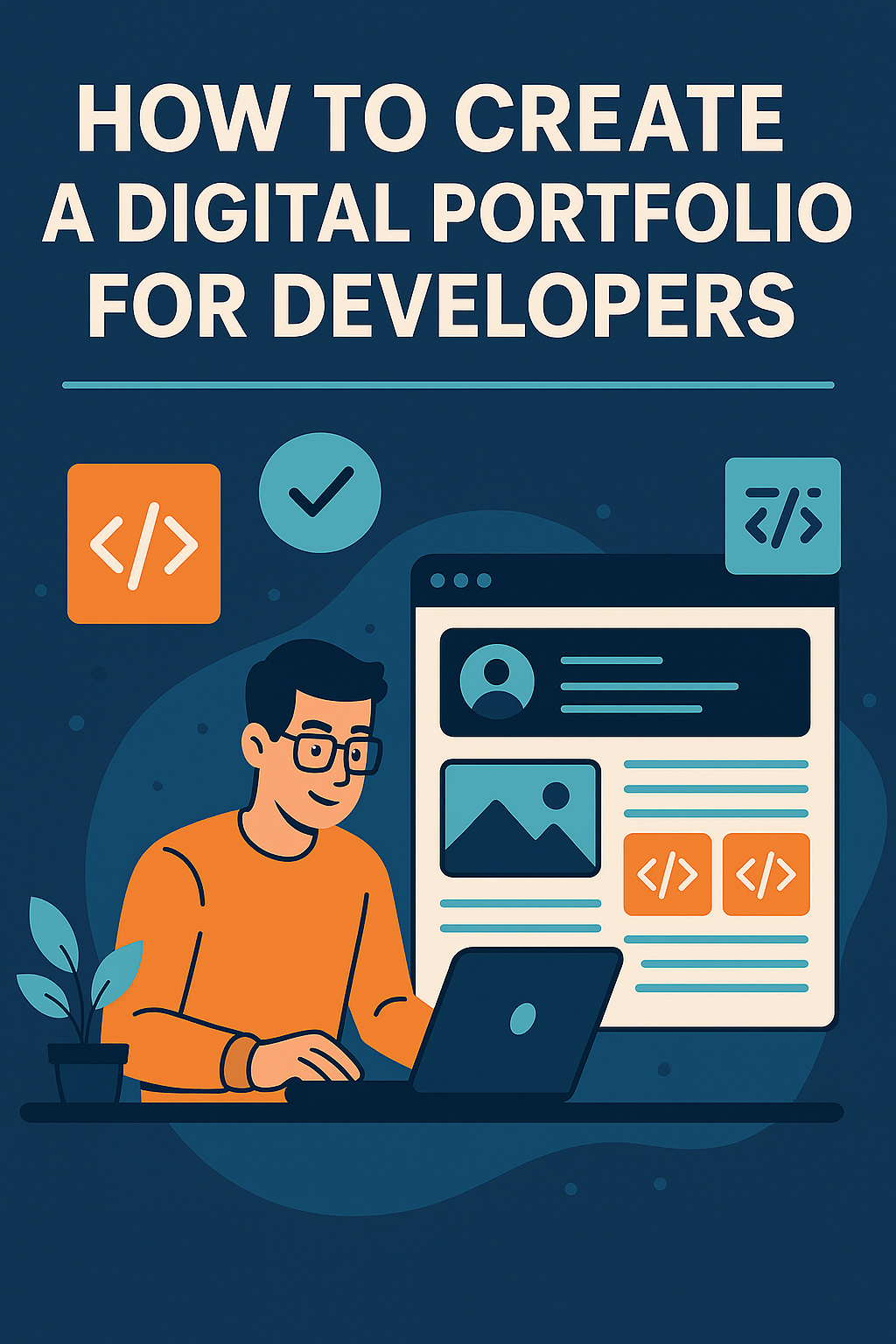
In today’s tech-driven job market, a digital portfolio is more than just a bonus—it’s often the key to landing your dream role as a developer. Whether you’re a seasoned professional or a beginner eager to make your mark, having an online space to showcase your skills, projects, and achievements can set you apart from the competition.
This guide will walk you through everything you need to know about creating a professional developer portfolio that not only looks impressive but also resonates with recruiters, clients, and collaborators.
Why Developers Need a Digital Portfolio
Employers and clients want proof that you can deliver results. A CV or LinkedIn profile can list your skills, but a portfolio shows them. Here’s why it’s essential:
- Visual Proof of Skills – Demonstrates your coding abilities, design sense, and problem-solving skills.
- Professional Branding – Establishes your personal brand and online presence.
- Competitive Advantage – Gives you an edge over candidates who only have a resume.
- Networking Opportunities – Attracts collaborations and freelance work.
- Career Growth – Shows your progression and continued learning over time.
Step 1: Define Your Purpose and Audience
Before you start designing or coding your portfolio, clarify what you want to achieve and who you want to reach.
Ask yourself:
- Am I targeting recruiters, freelance clients, or collaborators?
- Do I want to highlight front-end, back-end, full-stack, or specialized skills?
- Will my portfolio focus on design aesthetics, technical complexity, or both?
Knowing your purpose helps you structure the content and style of your portfolio to appeal to your ideal audience.
Step 2: Choose the Right Platform
Your platform choice will depend on your skills, time, and budget.
Popular Options for Developers:
- Custom-Coded Portfolio – Build it yourself using HTML, CSS, JavaScript, and frameworks like React or Next.js for full customization.
- Static Site Generators – Tools like Gatsby, Jekyll, or Hugo for fast, optimized sites.
- Portfolio Builders – Services like Squarespace, Wix, or Webflow for quick setup.
- GitHub Pages – Perfect for showcasing code-based projects for free.
Pro Tip: As a developer, building your own portfolio from scratch can demonstrate your coding skills to employers.
Step 3: Showcase Your Best Work
A common mistake is adding everything you’ve ever done. Instead, focus on quality over quantity.
Include:
- Project Title & Description – Briefly explain the purpose, challenges, and results.
- Technologies Used – List frameworks, languages, and tools.
- Screenshots or Demos – Include visuals to make it engaging.
- Live Links & Code Repositories – Let visitors interact with the project and review your code.
Example Projects to Include:
- Web applications
- APIs you’ve built
- Mobile apps
- Open-source contributions
- UI/UX design examples
Step 4: Create an “About Me” Section
People connect with stories, not just code. Use this section to:
- Share your career journey
- Highlight your technical skills and areas of expertise
- Include your professional values or mission statement
- Add a friendly photo for a personal touch
Keep it concise but personable—your personality matters as much as your skills.
Step 5: Include a Skills Matrix
A skills section should be scannable and easy to read. Group your skills into categories like:
- Programming Languages – JavaScript, Python, Java, etc.
- Frameworks & Libraries – React, Django, Laravel, etc.
- Tools & Platforms – Git, Docker, AWS, etc.
Consider adding a proficiency level (e.g., Beginner, Intermediate, Expert) for clarity.
Step 6: Add Contact and Call-to-Action (CTA)
Make it easy for people to get in touch with you. Include:
- Email address (preferably professional)
- LinkedIn profile link
- GitHub or GitLab profile
- Optional contact form
Your CTA could be as simple as:
“Interested in collaborating? Let’s connect!”
Step 7: Optimize for SEO and Performance
A beautiful portfolio won’t help much if no one can find it. Follow these tips:
- Use descriptive page titles and meta descriptions
- Include relevant keywords naturally in your content
- Optimize images for fast loading
- Ensure mobile responsiveness
- Add SSL security (HTTPS)
Step 8: Keep It Updated
An outdated portfolio sends the wrong signal. Update regularly by:
- Adding new projects
- Removing older or less relevant work
- Revising your “About Me” with new achievements
- Keeping your contact details current
Extra Tips to Make Your Portfolio Stand Out
- Add a Blog Section – Share tutorials, case studies, or coding tips.
- Include Testimonials – Feedback from clients or colleagues adds credibility.
- Use Analytics – Track visitors and engagement.
- Make It Accessible – Follow accessibility best practices for all users.
Example Structure of a Developer Portfolio
- Home Page – Short intro, featured projects
- Projects Page – Detailed portfolio work
- About Me Page – Bio, skills, professional journey
- Blog/Articles Page (optional)
- Contact Page – Email, LinkedIn, GitHub
Conclusion
A digital portfolio is your career showcase—an interactive, living resume that proves your expertise. By carefully selecting your projects, presenting your skills clearly, and maintaining your portfolio regularly, you’ll not only impress potential employers but also open doors to collaborations and freelance work.