The world of mobile technology is in constant motion, with design playing a crucial role in how users interact with their devices. From the early days of static icons and rigid menus to today’s immersive, gesture-driven ecosystems, the evolution of mobile interface design has been nothing short of remarkable. One of the most exciting frontiers in this journey is Liquid Glass — a new design concept that blends cutting-edge fluid animations, adaptive layouts, and natural interactions to deliver a seamless, futuristic experience.
In this article, we will explore the origins of interface design, the limitations of current mobile UX, and how Liquid Glass is set to redefine the way we see and use our smartphones.
The Origins of Mobile Interface Design
Mobile interfaces have come a long way since the first cell phones hit the market. In the early 2000s, devices like the Nokia 3310 offered basic menu-driven interfaces, with text-heavy layouts and limited customization.
The launch of the iPhone in 2007 was a turning point. Apple introduced a touch-based UI with smooth transitions, skeuomorphic icons, and intuitive gestures. This not only made smartphones accessible to the masses but also set a new standard for user experience.
Since then, mobile design has shifted through several key phases:
- Skeuomorphism (2007–2012): Interfaces mimicked real-world objects (e.g., a notes app resembling a yellow notepad).
- Flat Design (2013–2017): Minimalist aesthetics dominated, emphasizing clean colors, typography, and flat icons.
- Material Design (2014–Present): Google introduced a design language focused on depth, motion, and responsive grids.
- Neumorphism and Glassmorphism (2020s): Subtle shadows, frosted glass effects, and 3D elements gave mobile UI a futuristic polish.
Now, the industry is heading toward Liquid Glass, a concept that combines fluidity, interactivity, and adaptability in ways never seen before.
What Is Liquid Glass in Interface Design?
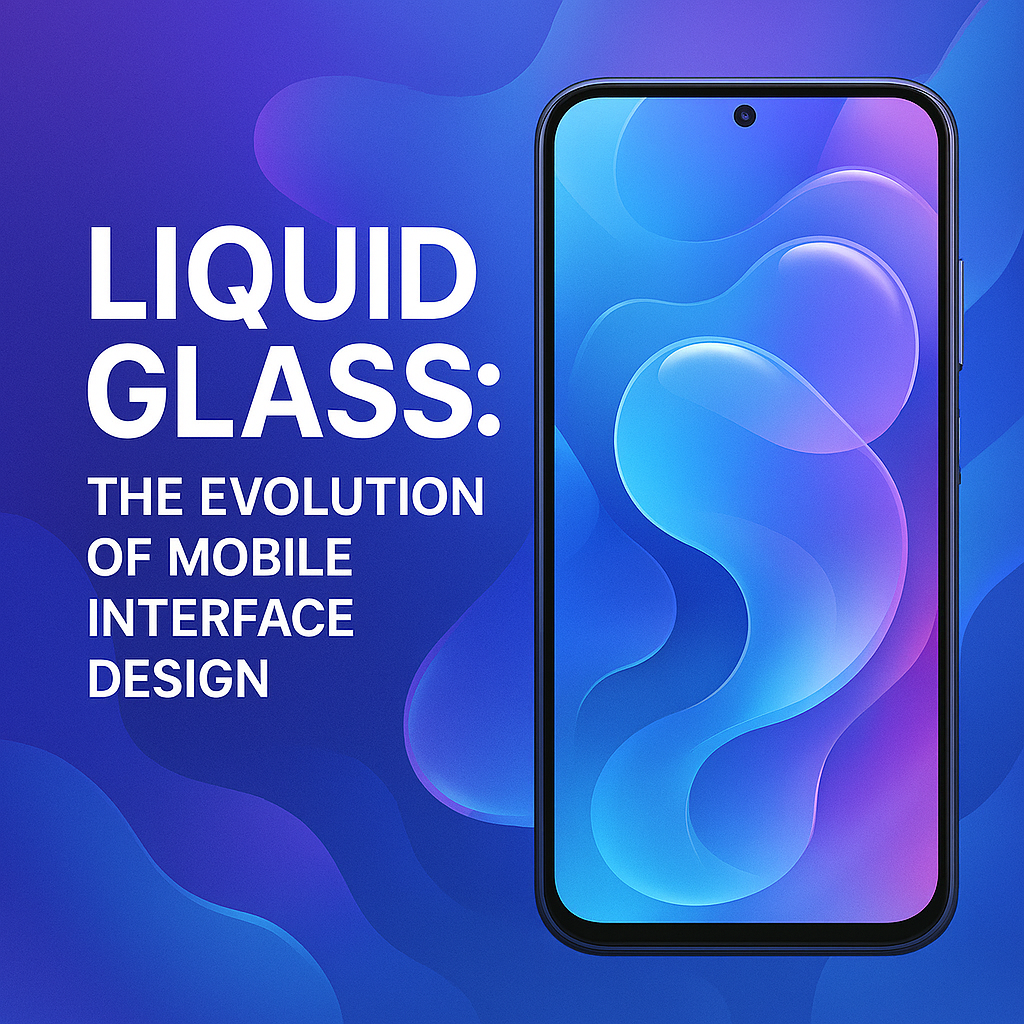
Liquid Glass isn’t just a visual effect; it’s a design philosophy. It takes inspiration from natural elements — the way water flows, how glass refracts light, and how liquid adapts to any container. In mobile interfaces, this translates into:
- Fluid Animations: Transitions that mimic liquid movement, offering smooth and organic visual feedback.
- Adaptive UI: Elements that morph dynamically based on user behavior, screen size, and environmental context.
- Immersive Interactions: Gestures, haptics, and visual cues that make navigation feel natural and instinctive.
- Transparency and Depth: Layered glass-like surfaces that provide clarity while maintaining elegance.
The goal of Liquid Glass is not only to look beautiful but also to create a more intuitive connection between humans and their devices.
Why Liquid Glass Matters in Mobile UX
Mobile devices are no longer just tools; they are extensions of our daily lives. From managing finances to creating art, smartphones must deliver interfaces that are both functional and engaging. Liquid Glass matters because it addresses three critical areas:
1. Enhanced User Engagement
Static icons and rigid layouts can feel outdated. By incorporating motion design, Liquid Glass makes apps and systems feel alive, encouraging users to explore and interact.
2. Accessibility and Adaptability
Liquid Glass is designed to adjust based on user needs. For example, text might expand fluidly when zoomed, or buttons could morph to larger shapes for accessibility.
3. Future-Proof Design Language
As foldable smartphones, AR interfaces, and wearables become mainstream, Liquid Glass ensures a consistent, adaptable design across devices. Its fluidity makes it ideal for non-traditional screen formats.
Key Features of Liquid Glass Interfaces
Liquid Glass is not just about pretty effects — it’s about rethinking how users experience digital environments. Here are its core features:
- Organic Motion: Instead of abrupt changes, transitions flow like water. This gives users visual continuity and reduces cognitive strain.
- Depth Layers: Semi-transparent surfaces stacked like glass panes create natural depth, helping users focus without distractions.
- Light and Reflection Effects: Interfaces react to lighting conditions, adding realism and immersion.
- Dynamic Navigation: Menus and widgets adapt to user behavior, surfacing the most relevant options fluidly.
- Gesture Integration: Swipes, pinches, and taps feel more natural as the UI responds with lifelike fluid effects.
- Haptic Synchronization: Vibrations align with visual motion, reinforcing the sense of touch and realism.
Examples of Liquid Glass in Practice
Though still emerging, some companies have already begun experimenting with Liquid Glass concepts:
- Samsung One UI Experiments: Recent Samsung prototypes showcase fluid icons and dynamic widgets that shift based on interaction.
- Apple Vision Pro’s Interface: Apple’s spatial computing environment uses glass-like layers and fluid transitions, paving the way for mobile adaptation.
- Futuristic Android Skins: Some Android developers are integrating glassmorphic and fluid design into themes, hinting at Liquid Glass principles.
We can also expect gaming and AR apps to pioneer this aesthetic, as they demand immersive, adaptive interfaces.
The Role of AI in Liquid Glass Design
Artificial intelligence will play a central role in the Liquid Glass revolution. Imagine an interface that learns your preferences, adapts its layout fluidly, and predicts your next move with contextual accuracy.
For instance:
- AI-Powered Personalization: The interface rearranges icons and widgets based on time of day or recent behavior.
- Predictive Interactions: Buttons might “flow” closer to your thumb if the AI predicts frequent use.
- Voice + Gesture Blending: AI could merge voice commands with Liquid Glass visualizations for a more holistic experience.
This combination of AI and Liquid Glass has the potential to make interfaces not only more beautiful but also more intelligent.
Challenges and Limitations
While Liquid Glass is promising, it faces hurdles:
- Performance Demands: High-quality fluid animations require advanced GPUs and optimized software.
- Battery Consumption: Excessive motion and transparency effects can drain power quickly.
- Accessibility Concerns: While visually impressive, motion-heavy interfaces could overwhelm some users unless carefully balanced.
- Design Consistency: Developers must avoid overuse of effects, which could make the interface distracting rather than intuitive.
The Future of Mobile Design with Liquid Glass
The next decade of mobile design will be defined by fluidity, immersion, and adaptability. As hardware improves and AI becomes more integrated, Liquid Glass has the potential to become the dominant design language across smartphones, tablets, wearables, and AR devices.
We may soon see:
- Smartphones where apps melt seamlessly into one another without hard transitions.
- Wearables with adaptive holographic glass interfaces that react to gestures.
- Cross-device ecosystems where a design language is consistent yet adaptive across screens, headsets, and even smart cars.
In essence, Liquid Glass is not just a trend; it’s the logical next step in making digital experiences feel as natural and intuitive as interacting with the physical world.
Conclusion
Liquid Glass represents a groundbreaking evolution in mobile interface design. By combining organic motion, adaptive layouts, and immersive effects, it offers users a seamless bridge between technology and intuition. While challenges remain in performance and accessibility, the potential benefits for engagement, usability, and future-proofing are immense.As mobile design continues to evolve, Liquid Glass will likely play a central role in shaping the next era of digital experiences — an era where smartphones no longer just display content but truly flow with the user’s needs.