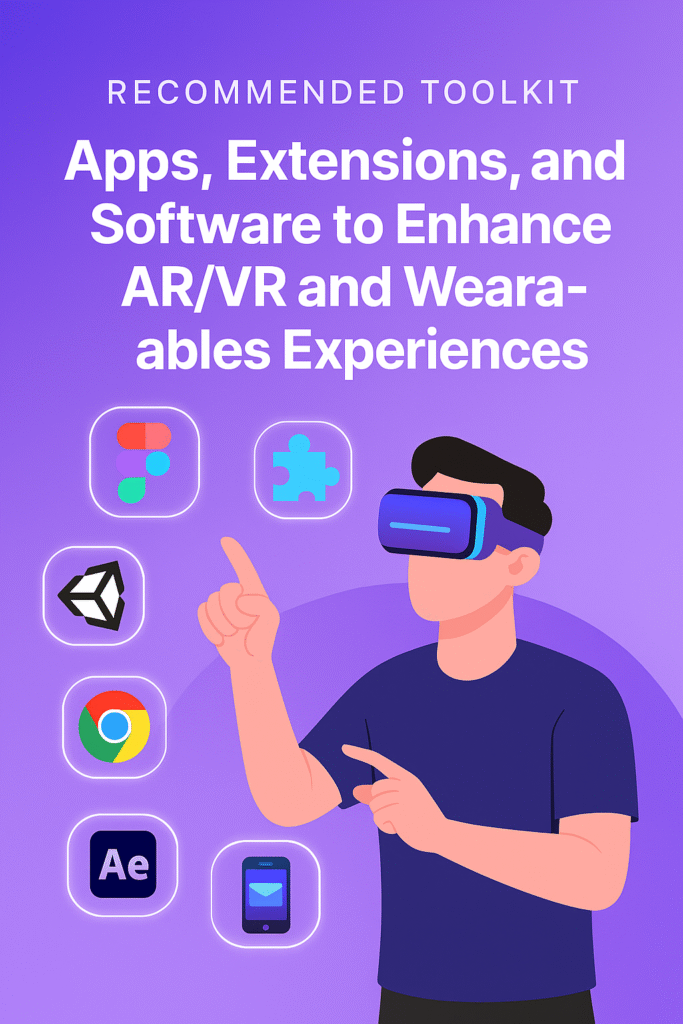
The worlds of augmented reality (AR), virtual reality (VR), and wearable technology are evolving rapidly. What started as futuristic concepts in science fiction are now part of everyday life—whether it’s smart glasses helping workers on a factory floor, VR headsets bringing immersive gaming experiences into living rooms, or smartwatches tracking our health.
But what truly elevates these devices from hardware to powerful productivity and entertainment tools is the software ecosystem behind them. From apps and extensions to development platforms, the right toolkit makes all the difference in unlocking the full potential of AR, VR, and wearables.
In this article, we’ll explore the recommended apps, extensions, and software that enhance AR/VR and wearable experiences across productivity, health, entertainment, and development.
Why the Right Toolkit Matters
Hardware provides the foundation, but without apps, extensions, and platforms, devices are just expensive accessories. For example:
- A VR headset becomes exponentially more valuable when paired with productivity apps like Immersed or health apps like Supernatural.
- Smartwatches shift from being fancy digital watches to personal assistants with the right fitness apps, sleep trackers, and productivity tools.
- AR smart glasses transform workflows when integrated with navigation software, collaboration platforms, or 3D visualization extensions.
Ultimately, software unlocks usability, engagement, and personalization, making AR/VR and wearables more than just “cool tech.”
Toolkit for AR: Best Apps and Extensions
Augmented reality overlays digital elements onto the physical world. Its main use cases range from retail and design to training and entertainment. Here are must-have apps and extensions to maximize AR capabilities:
1. IKEA Place
- Purpose: Home design visualization.
- Why it matters: Lets users place 3D models of furniture in real rooms using AR. Perfect for shoppers and interior designers.
- Platform: iOS, Android.
2. Google Lens AR
- Purpose: Real-time search and translation.
- Why it matters: Uses AR overlays for instant translations, product searches, and contextual information.
- Platform: Mobile app integration with Google services.
3. Adobe Aero
- Purpose: AR content creation.
- Why it matters: A powerful tool for artists, marketers, and developers to design and publish interactive AR experiences without heavy coding.
- Platform: iOS, Windows, macOS.
4. ARway
- Purpose: Indoor navigation.
- Why it matters: Uses AR overlays for wayfinding in malls, campuses, and airports. Useful for businesses and large-scale events.
- Platform: Mobile app + SDK for developers.
5. Snap AR Extensions (Lens Studio)
- Purpose: Creative AR filters.
- Why it matters: Gives brands and creators tools to design engaging AR experiences directly integrated with social platforms.
- Platform: Windows, macOS.
Toolkit for VR: Software and Applications
Virtual reality immerses users in fully digital environments, making it a game-changer for gaming, training, collaboration, and therapy. These apps and platforms elevate VR headsets:
1. Immersed
- Purpose: Productivity and remote work.
- Why it matters: Lets users set up multiple virtual monitors in VR, ideal for remote workers or digital nomads.
- Platform: Oculus, HTC Vive.
2. Supernatural VR
- Purpose: Fitness and wellness.
- Why it matters: Combines immersive worlds with guided workouts and real-time feedback, turning fitness into a gamified VR experience.
- Platform: Meta Quest.
3. AltspaceVR (Microsoft Mesh)
- Purpose: Social VR events.
- Why it matters: Enables virtual meetups, live events, and team-building activities in VR spaces.
- Platform: Meta Quest, PC VR.
4. Tilt Brush / Open Brush
- Purpose: VR art creation.
- Why it matters: Allows artists to paint in 3D space, opening creative opportunities in digital art, architecture, and design.
- Platform: Oculus Rift, HTC Vive.
5. Unity & Unreal Engine VR Toolkits
- Purpose: VR content development.
- Why it matters: These engines provide SDKs, plugins, and templates for developers building interactive VR applications.
- Platform: Windows, macOS.
Toolkit for Wearables: Apps to Supercharge Smart Devices
Wearables like smartwatches, smart rings, and health trackers thrive on software ecosystems that deliver personalization, health monitoring, and seamless integration.
1. Strava
- Purpose: Fitness tracking.
- Why it matters: A favorite among athletes, Strava integrates with wearables to track runs, rides, and workouts while offering social features.
- Platform: iOS, Android, smartwatch integrations.
2. Sleep Cycle
- Purpose: Sleep monitoring.
- Why it matters: Tracks sleep patterns, detects snoring, and optimizes wake-up times using wearable sensors.
- Platform: iOS, Android, Apple Watch.
3. Calm / Headspace
- Purpose: Mindfulness and stress reduction.
- Why it matters: These meditation apps integrate with wearables for heart rate tracking and guided breathing sessions.
- Platform: iOS, Android, smartwatches.
4. Spotify for Wearables
- Purpose: Music and podcasts on the go.
- Why it matters: Lets users control playback directly from wearables without pulling out their phones.
- Platform: Apple Watch, WearOS, Garmin, Fitbit.
5. Google Wallet / Apple Pay
- Purpose: Contactless payments.
- Why it matters: Turns wearables into quick, secure payment devices—ideal for commuting, shopping, or workouts without a phone.
- Platform: Apple Watch, WearOS, Fitbit.
Cross-Platform Tools and Extensions
Some apps and software bridge AR, VR, and wearables to create integrated experiences.
- Microsoft Mesh: Combines AR, VR, and mixed reality collaboration for enterprises.
- Spatial: A cross-platform collaboration tool available in VR, AR, and 2D formats.
- ZapWorks: Enables AR and VR content creation for businesses and educators.
- FitXR: Offers fitness experiences both in VR and through wearables.
These hybrid solutions ensure that users don’t feel confined to one ecosystem.
Development and Customization Tools
For developers, creating immersive AR/VR and wearable experiences requires powerful SDKs and software frameworks. Some essentials include:
- ARKit (Apple) and ARCore (Google): SDKs for AR app development.
- Vuforia: A leading AR development platform for cross-device projects.
- Oculus SDK: Tools for building apps on Meta’s VR headsets.
- WearOS SDK: Development tools for Android-based wearables.
- Unity XR Interaction Toolkit: A framework for creating immersive AR/VR apps.
These platforms form the backbone of innovation, enabling startups and enterprises to build unique solutions.
The Future of AR/VR and Wearables Software
As AR/VR and wearables gain mainstream adoption, we can expect smarter apps, AI-driven personalization, and seamless ecosystem integration. For example:
- AI + Wearables: Predictive health tracking with personalized coaching.
- AR Commerce: Virtual try-on apps becoming standard in online shopping.
- VR Workspaces: More immersive alternatives to Zoom and Teams.
- Cross-Device Ecosystems: Wearables acting as hubs for AR/VR interactions.
The line between physical and digital will continue to blur, with apps and extensions leading the way.
Final Thoughts
Choosing the right toolkit of apps, extensions, and software is the difference between merely owning AR/VR and wearable devices and truly leveraging their potential. From fitness and productivity to creative expression and immersive collaboration, these tools shape the way we experience technology.Whether you’re a user looking for the best apps or a developer building next-gen solutions, this toolkit provides a foundation to explore, experiment, and thrive in the expanding world of AR, VR, and wearables.