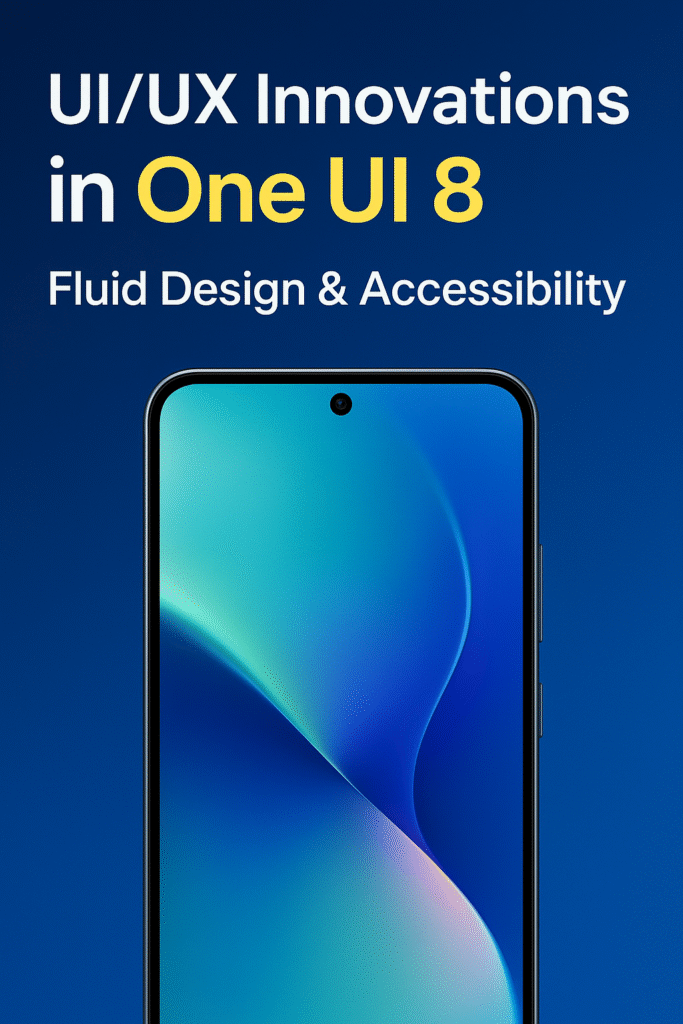
User experience has become one of the most important aspects of modern technology. No matter how powerful a smartphone or tablet is, if the interface feels clunky or confusing, users simply won’t enjoy the device. That’s why UI/UX (User Interface and User Experience) innovation is at the center of every major update from leading tech brands. Samsung’s One UI 8, its latest interface layer for Galaxy devices, takes a bold step forward in usability, accessibility, and fluid design.
In this article, we’ll dive deep into what’s new in One UI 8, exploring its most impactful UI/UX improvements. From a more natural and fluid navigation system to groundbreaking accessibility features, Samsung is reshaping the way people interact with their smartphones.
Why UI/UX Matters More Than Ever
Before we explore the new features, it’s important to understand why UI/UX design has become such a focal point in mobile technology. The smartphone market has matured — most flagship devices already have blazing-fast processors, high-resolution cameras, and 5G connectivity. What sets them apart today isn’t just hardware, but the way users feel while interacting with the software.
A well-designed interface:
- Reduces friction and confusion.
- Saves users time with intuitive navigation.
- Increases inclusivity through accessibility.
- Builds brand loyalty by making devices more enjoyable.
Samsung clearly understands this shift, and One UI 8 is their answer to the demand for smoother, more human-centered design.
One UI 8: A Quick Overview
One UI, Samsung’s software skin built on top of Android, has been evolving since its introduction in 2018. Its purpose has always been to make large-screen devices easier to use while keeping the interface clean and functional. With One UI 8, Samsung focuses on fluidity, consistency, and inclusivity.
The update introduces:
- Fluid Design Language: Animations and transitions that feel natural and adaptive.
- Enhanced Accessibility Tools: Features for visually impaired, hearing-impaired, and motor-challenged users.
- Personalization: More customization options to make the device feel truly yours.
- Cross-Device Consistency: Seamless integration across Galaxy smartphones, tablets, watches, and even foldables.
Fluid Design: A More Natural Flow
One of the biggest highlights of One UI 8 is its fluid design approach. Instead of rigid, mechanical transitions, Samsung has worked to create an interface that feels organic.
1. Smooth Transitions and Animations
Opening apps, switching between screens, or scrolling now feels more cohesive. Animations have been optimized to reduce lag and mimic real-world motion. For example, swiping up to close an app feels less abrupt and more like a natural continuation of movement.
2. Adaptive Layouts
With foldable devices like the Galaxy Z Fold series becoming mainstream, One UI 8 has been designed to adapt fluidly to different screen sizes and orientations. The UI elements reposition themselves intelligently, ensuring readability and usability regardless of the device’s form factor.
3. Depth and Transparency
Subtle use of shadows, blurred backgrounds, and depth effects give One UI 8 a more modern and layered look. Instead of flat blocks, UI components now feel more dimensional and tactile, helping users focus on what matters.
4. Consistency Across Ecosystem
The fluid design extends to Galaxy tablets, smartwatches, and even Samsung TVs. This ecosystem-wide design language ensures users feel at home no matter which device they pick up.
Accessibility: Redefining Inclusivity in Technology
Accessibility is no longer a “bonus feature.” It’s a core part of UI/UX design, ensuring that devices are usable for everyone, regardless of ability. Samsung has taken big strides in One UI 8 to expand its accessibility toolkit.
1. Enhanced Voice Assistant and Screen Reader
Samsung’s TalkBack feature is now more intelligent, offering better contextual awareness. It not only reads out text but also explains UI elements, making navigation easier for visually impaired users.
2. Advanced Hearing Support
For users with hearing challenges, One UI 8 introduces customizable sound amplification and real-time subtitle improvements. Paired with Galaxy Buds, the device can isolate voices in noisy environments, making conversations more accessible.
3. Motor Accessibility Features
People with limited mobility often struggle with touch gestures. One UI 8 introduces gesture simplification and alternative input methods. Users can now assign custom gestures, use facial movements, or rely on voice input to control their device.
4. High Contrast and Color Customization
Color-blind and visually challenged users benefit from improved high-contrast themes, customizable color filters, and even a color inversion mode that makes UI components easier to distinguish.
By prioritizing accessibility, Samsung isn’t just following regulations — it’s making technology truly inclusive.
Personalization: Making Your Device Truly Yours
Modern UI/UX design goes beyond functionality. People want to express themselves through their devices. One UI 8 caters to this desire with deeper personalization options.
- Dynamic Themes: Wallpapers that shift colors dynamically with system tones.
- Icon Packs and Layout Adjustments: Greater flexibility in customizing home screens.
- Widgets 2.0: Interactive and resizable widgets with new designs.
- Always-On Display Upgrades: More styles, animations, and personalized notifications.
This focus on personalization ensures users feel a stronger emotional connection to their device.
Performance and Fluidity: More Than Just Looks
Great design isn’t only about aesthetics — it also has to perform. One UI 8 introduces optimizations that reduce lag, lower battery consumption, and ensure consistent performance.
- Optimized Resource Management: Apps that aren’t in use are intelligently paused to save power.
- Seamless Multitasking: Improved split-screen and pop-up views make multitasking smoother.
- Gaming Mode Enhancements: Adaptive frame rate and performance settings enhance mobile gaming without sacrificing battery life.
These behind-the-scenes improvements make the fluid design philosophy feel real and responsive.
Cross-Device Experience: A Unified Galaxy Ecosystem
One of Samsung’s key strengths lies in its diverse ecosystem of devices. With One UI 8, Samsung tightens this integration:
- Continuity Across Devices: Start editing a document on your Galaxy phone, and pick up where you left off on your tablet.
- Galaxy Watch Integration: Notifications, health data, and controls are more consistent between phone and smartwatch.
- SmartThings Integration: A smoother interface to manage smart home devices directly from your Galaxy device.
This interconnected approach aligns perfectly with the fluid design philosophy, extending user experience beyond a single device.
One UI 8 vs Competitors: How It Stands Out
Other manufacturers like Apple and Google are also investing heavily in UI/UX. So, how does One UI 8 compare?
- Apple iOS 18 focuses on simplicity and elegance but offers fewer customization options.
- Google’s Android 15 Material You emphasizes personalization but doesn’t have the same ecosystem-wide consistency as Samsung.
- One UI 8 strikes a balance between customization, accessibility, and ecosystem integration, giving it a competitive edge.
The Future of UI/UX in Mobile Technology
One UI 8 is more than just a software update — it’s a statement about the future of UI/UX design. With growing demands for inclusivity, personalization, and seamless interaction, Samsung is setting the bar higher.
Looking forward, we can expect:
- More AI-driven UI personalization.
- Deeper integration with AR/VR experiences.
- Interfaces designed not just for touch, but for voice, gesture, and even neural input.
Final Thoughts
Samsung’s One UI 8 demonstrates how far mobile UI/UX design has come. By combining fluid design elements with robust accessibility features, Samsung ensures its devices aren’t just powerful but also enjoyable and inclusive to use.
The interface feels modern, adaptive, and deeply personal. Whether you’re a power user multitasking on a Galaxy Z Fold, someone with accessibility needs, or just a casual user who values smooth performance, One UI 8 offers something meaningful.
In the end, that’s the essence of great UI/UX: making technology feel like a natural extension of the user.