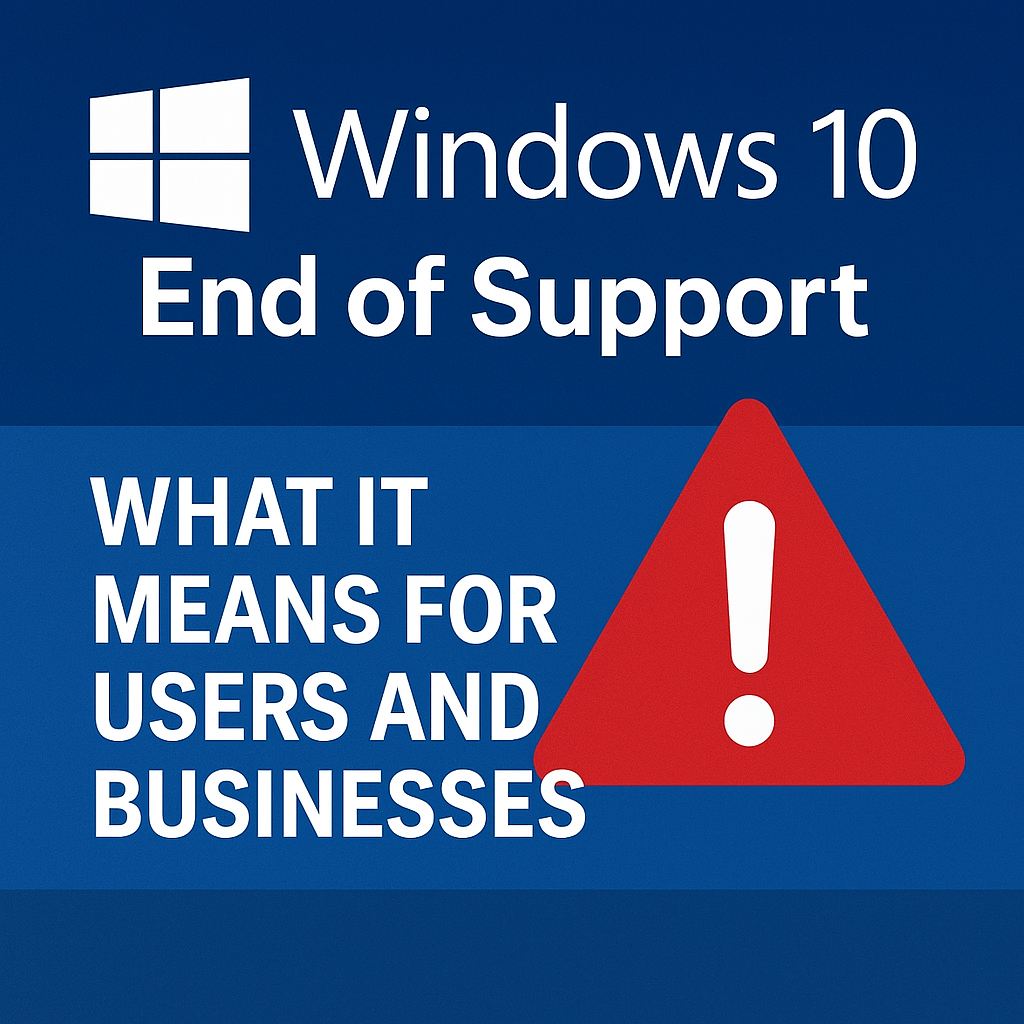
Microsoft has officially announced that Windows 10 will reach its end of support on October 14, 2025. This marks a major shift in the tech ecosystem, affecting hundreds of millions of devices that still rely on the popular operating system. For many individuals and businesses, the announcement has triggered a wave of questions: What happens next? Will my PC still work? Do I have to upgrade immediately?
In this comprehensive guide, we’ll explore what the end of support really means, how it affects users and businesses, and the best strategies to transition smoothly before the deadline hits.
A Look Back: The Legacy of Windows 10
When Microsoft launched Windows 10 in July 2015, it was marketed as “the last version of Windows.” Instead of releasing entirely new versions, Microsoft promised to deliver continuous updates and improvements through its “Windows as a Service” model.
The OS quickly became a success story — over 1.3 billion devices eventually ran on Windows 10, making it one of Microsoft’s most widely adopted operating systems. It struck a balance between the familiarity of Windows 7 and the modern UI improvements introduced in Windows 8.
However, technology evolves rapidly. As hardware, software, and security threats advance, maintaining backward compatibility becomes increasingly difficult. Microsoft’s decision to sunset Windows 10 is not about abandonment — it’s about focusing on the next era: Windows 11 and beyond.
What Does “End of Support” Really Mean?
When Windows 10 reaches end of support (EOS), Microsoft will no longer provide security updates, bug fixes, or technical assistance for any edition of the OS.
Here’s what that means in practical terms:
- 🧩 No security updates: New vulnerabilities will remain unpatched, making systems more vulnerable to cyberattacks.
- ⚙️ No software updates: Future compatibility with new software or drivers will degrade over time.
- 🛑 No technical support: Microsoft and most OEMs will stop providing official assistance.
- 🧱 Compliance risks: Organizations in regulated industries (finance, healthcare, government) could face compliance violations by running unsupported systems.
Essentially, Windows 10 devices will continue to function, but they will become increasingly insecure and outdated.
Who Will Be Most Affected?
1. Home Users
Millions of individual users around the world still rely on Windows 10 PCs — particularly older laptops and desktops that don’t meet the hardware requirements for Windows 11.
For these users, the main concern is security. Without regular updates, even basic activities like browsing or online banking could expose them to greater risks.
Many users may choose to:
- Upgrade their existing device to Windows 11 (if compatible).
- Purchase a new Windows 11 PC.
- Switch to alternative systems like Linux distributions or ChromeOS Flex.
2. Businesses and Enterprises
Businesses, particularly SMBs (small and medium-sized businesses), face a more complex challenge. Many rely on legacy software or custom enterprise applications that were designed for Windows 10.
Key risks include:
- Operational disruptions due to software incompatibility after upgrades.
- Increased attack surface if older devices remain unpatched.
- Rising maintenance costs as IT teams must manage outdated systems manually.
Enterprises with hundreds or thousands of devices may need months of preparation to migrate, test applications, and retrain staff.
3. Public Sector and Education
Government institutions and schools often use PCs on long lifecycles. With tight budgets and limited IT resources, these organizations could find upgrades especially challenging.
Microsoft will likely offer Extended Security Updates (ESU) — but for a price.
Microsoft’s Extended Security Update (ESU) Program
To ease the transition, Microsoft will introduce an Extended Security Update (ESU) program for Windows 10, similar to what it offered after Windows 7’s end of life in 2020.
Under ESU:
- Organizations can pay annually for up to three additional years of security updates (until 2028).
- The cost increases each year, encouraging gradual migration to newer systems.
- Microsoft 365 and Azure users may receive discounted or included ESU coverage.
While this option buys time, it’s not a long-term solution. ESU merely extends security support — it doesn’t include new features, performance improvements, or compatibility updates.
Why Microsoft Is Moving On
At first glance, ending support for such a successful OS might seem counterintuitive. But from Microsoft’s perspective, several strategic factors are driving this decision:
- Security Standards:
Windows 11 is built on modern security frameworks like TPM 2.0 and Secure Boot. These are essential for defending against today’s sophisticated threats. - Unified Ecosystem:
Microsoft wants to streamline its ecosystem across Windows 11, Edge, Azure, and Microsoft 365, ensuring tighter integration and better performance. - Hardware Modernization:
Windows 10 was designed for an older generation of processors. Windows 11 optimizes for newer CPUs, energy efficiency, and AI-powered features. - AI and Cloud Integration:
The future of Windows is clearly AI-centric — as seen in Copilot, the integrated AI assistant. These advanced features require updated infrastructure that Windows 10 simply can’t fully support.
The Security Risks of Staying on Windows 10
Once support ends, Windows 10 will become a magnet for cyber threats. Hackers often target older systems precisely because they lack active defenses.
1. Exploitable Vulnerabilities
After October 2025, any new exploit discovered will remain unpatched. This includes critical vulnerabilities that could:
- Steal personal or corporate data.
- Inject ransomware or malware.
- Gain remote control of a device.
2. Software and Browser Compatibility
Over time, apps and browsers (like Chrome, Edge, or Zoom) will stop supporting Windows 10. This leads to performance issues, crashes, and security gaps.
3. Increased Costs
Ironically, running outdated software can become more expensive over time — due to data breaches, downtime, and maintenance.
How Businesses Should Prepare
Organizations still running Windows 10 should start planning now to avoid chaos in 2025. Here’s a roadmap:
Step 1: Assess Your Infrastructure
Identify which systems and applications depend on Windows 10. Use Microsoft’s Endpoint Manager or Intune to inventory all devices.
Step 2: Check Compatibility
Determine which PCs can upgrade to Windows 11. Microsoft’s PC Health Check tool helps evaluate system readiness.
Step 3: Prioritize Critical Systems
Migrate high-risk or internet-facing devices first — such as servers, workstations, and any machine handling sensitive data.
Step 4: Develop a Training Plan
Upgrading an OS affects workflows. Provide training sessions for employees to adapt to Windows 11’s new layout and features.
Step 5: Consider Cloud Integration
Many companies are seizing this transition as a chance to modernize — adopting Azure Virtual Desktop, Windows 365, or other cloud solutions that offer more scalability and control.
For Home Users: Your Options
If you’re a home user, here’s what you can do before the deadline:
- Upgrade to Windows 11 (if your PC supports it).
- Buy a new device with Windows 11 preinstalled — often more cost-effective than hardware upgrades.
- Install an alternative OS, such as Linux Mint, Ubuntu, or ChromeOS Flex, especially if your PC is older but still functional.
- Back up your data regularly, particularly if you decide to stay on Windows 10 temporarily.
Remember: after October 2025, you can still use Windows 10, but it will be at your own risk.
Environmental Considerations: The E-Waste Dilemma
One of the less-discussed side effects of Windows 10’s retirement is the potential surge in electronic waste.
Millions of devices may be discarded because they don’t meet Windows 11’s system requirements — even though they still function perfectly.
Environmental advocates urge Microsoft to:
- Promote sustainable upgrade paths.
- Support lightweight OS alternatives for older hardware.
- Encourage recycling and refurbishment initiatives.
Some organizations are already exploring Linux-based systems for repurposed hardware, offering a greener, more affordable solution.
The Future Beyond Windows 10
The end of Windows 10 marks the beginning of a new technological chapter for Microsoft and its users. Windows 11 — and likely Windows 12 in the near future — will focus heavily on AI integration, security automation, and cloud synergy.
For most users and businesses, this shift represents both a challenge and an opportunity:
- A challenge to modernize infrastructure, manage costs, and maintain security.
- An opportunity to embrace smarter, faster, and more secure digital environments that align with the future of work.
As the deadline approaches, the key is proactive planning — not panic.
Final Thoughts
The end of support for Windows 10 in 2025 is a milestone that will reshape the global technology landscape. It’s not just about upgrading software — it’s about future-proofing your digital ecosystem.
Whether you’re a home user, small business, or enterprise, the message is clear: don’t wait until the last minute. Start assessing, planning, and migrating today.
Those who move early will not only avoid security risks but also position themselves for success in a rapidly evolving, AI-driven computing world.